
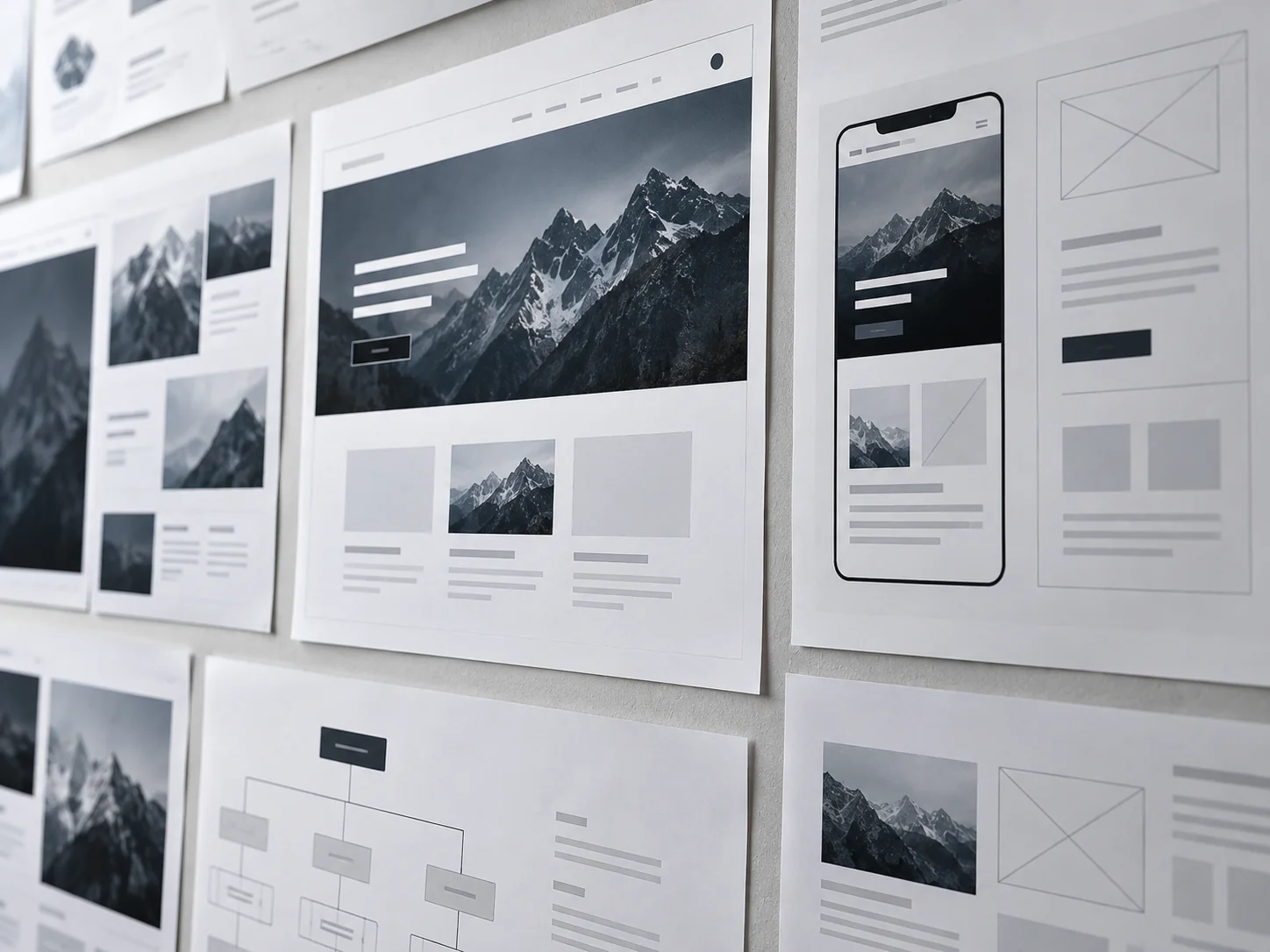
UI/UX Design

Website and interface design that makes customer tasks easier.

For websites and digital products, we map the tasks people need to complete, design the key screens and document how they should behave. Prototypes help you review the important decisions before development.

Discuss your project

Is this the right starting point?

Who this service helps.

People struggle with a particular website task, and you need to understand the friction before commissioning a wider rebuild.

First decision: Choose one important journey and examine its content, steps, error recovery and smaller screen behaviour.

Deliverables to agree

Research, prototypes and designs ready for development.

Interfaces that are easy to use, reflect your brand and help people complete the tasks that matter.

Audience & journey research
User needs, expectations, obstacles and decision points.
Information architecture
Content structures that make complex offers easier to navigate.
Wireframes
Purposeful page and interface layouts focused on clarity.
Interactive prototypes
Realistic flows for stakeholder review and usability feedback.
Interface design system
Reusable colors, typography, components and interaction patterns.
Developer handoff
Organized specifications and collaboration through implementation.

Try a small interaction

A useful error tells you what to do next.

A form needs more than tidy fields. Try the sample with missing details, follow an error back to its field, then load the complete example to see the confirmation.

  1. Understand the question.Labels remain visible, and required details are explained.
  2. Find the problem.A linked summary and field messages describe what needs attention.
  3. Know the outcome.The confirmation explains what happened and what comes next.

This is a browser demonstration. Use the fictional example. It does not send an enquiry, store your entries or call AI.

Plan a better enquiry journey
Interactive sample

A clearer enquiry.

Both fields are required for this sample check.

Use alex@example.com for this demonstration.

For example, ask about a website project.

The example becomes interactive when JavaScript is available. The labels and explanations remain readable here.

An output you can inspect

What the form specification tells a developer

These notes describe the browser demonstration above. They show how a design decision becomes an implementation check.

What the form specification tells a developer
StateExpected behaviourHow to review it
Empty submissionIdentify missing fields in a linked summary and beside the controls.Use Try missing details, then follow an error link.
CorrectionKeep the entered example and explain the remaining issue.Correct one field and check the sample again.
Complete exampleShow an explicit demonstration confirmation.Load a complete example and check that it has not sent an enquiry.
Keyboard useKeep focus visible and make the recovery link reach its field.Navigate the sample without a mouse.

This is a specification for one interaction. A real design handover also names the screens, responsive states, content limits and implementation owner.

Plan an enquiry journey improvement →

A focused approach

Three stages.
Clear decisions.
Visible progress.

The exact activities adapt to your situation, while the working rhythm remains clear and collaborative.

  1. 01

    Understand

    Learn what users need and what the business must achieve.

  2. 02

    Prototype

    Create prototypes early and test the important decisions.

  3. 03

    Refine

    Build a polished system and support accurate implementation.

Scope, handover and support

Know what you receive.
Know what happens next.

These are planning expectations, not a fixed package. Your proposal confirms the deliverables, responsibilities, review rounds and support boundaries before work begins.

What you receive

The agreed design scope can include journey maps, wireframes, editable interface designs and a prototype. Handover notes describe responsive layouts, component states, content limits and accessibility considerations for implementation.

What we need from you

Access to realistic content, existing product behaviour and relevant audience evidence. The proposal states whether participant recruitment and usability sessions are included, how designs are reviewed and how many revision rounds are planned.

Implementation support

The handover explains smaller screen layouts, loading and error states, and keyboard focus behaviour for the agreed screens. These are instructions for development, not a completed website or accessibility certification. Development and review of another supplier’s implementation are included only when stated in the proposal.

The reasoning behind the work

Reference guidance for this service.

Form designs need visible labels and useful feedback when an entry is missing or invalid. These are specific design checks, not proof that every accessibility requirement has been met.

W3C guidance on form labels · W3C guidance on form feedback

References reviewed 8 October 2026. These sources explain specific checks, not an endorsement of BrandDigital.com or a guarantee of results.

Frequently asked questions

Useful answers before we define the scope.

Do you design before development begins?

Yes. Experience planning and prototypes reduce rework and create a clearer development brief.

Can you improve only part of an existing product?

Yes. We can focus on a high-value journey, feature or conversion point without redesigning everything.

Do you conduct usability testing?

Testing can be included when it will materially improve decisions and reduce experience risk.

Same thinking. Bigger opportunities.

Plan your brand, website or next digital improvement.

Strategy. Creativity. Technology. Growth. One coherent system.

Let’s talk