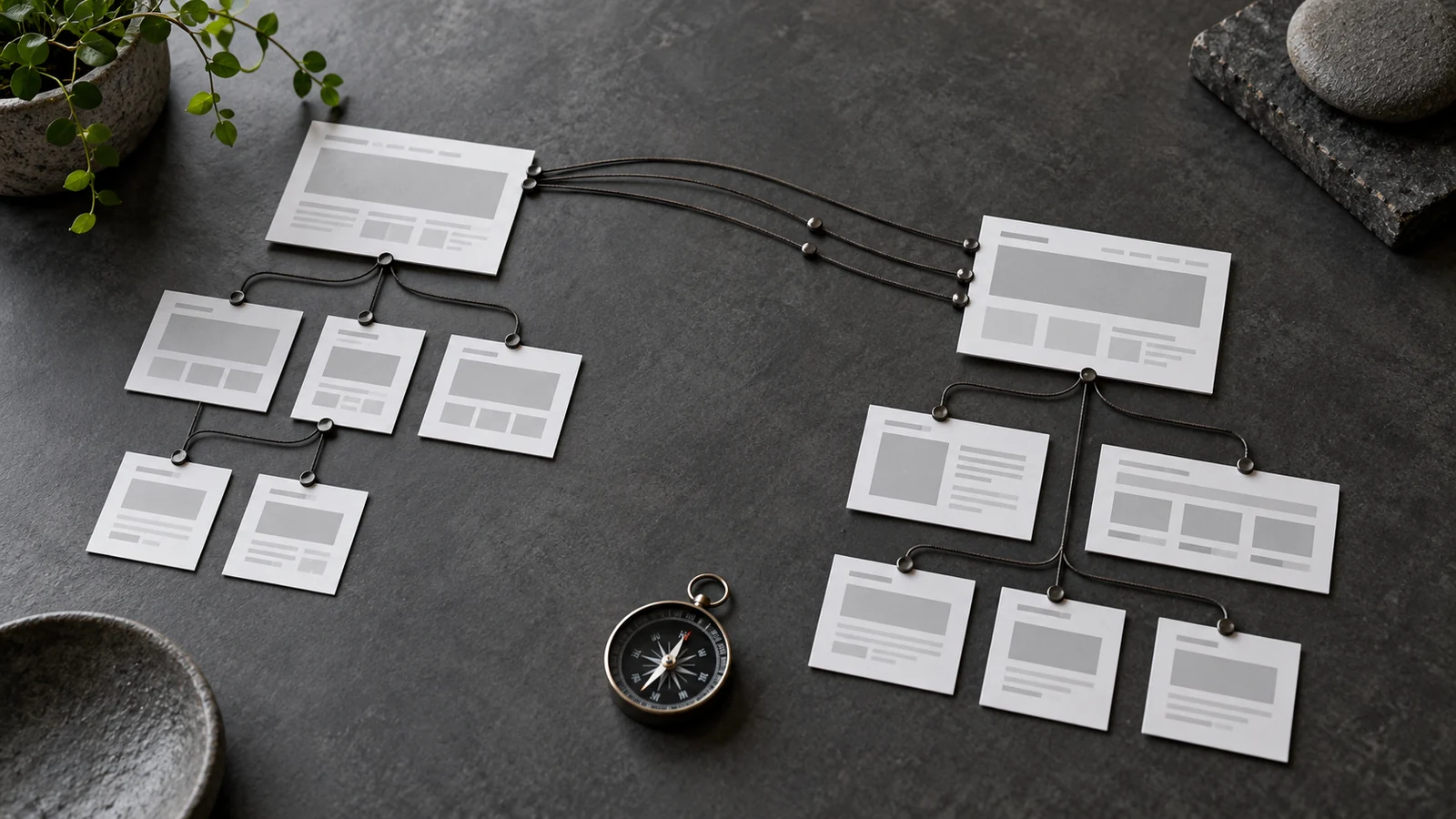
A website redesign can solve the wrong problem beautifully. The new pages look better, but an old guide disappears, useful service details get cut and visitors following saved links reach an error. None of those decisions needs to be part of a visual upgrade.
Before approving the design, decide what the existing website already does well. Protect that value while improving the parts that confuse customers. Search visibility belongs in the project brief, not in a hurried check on launch morning.
Find the pages worth keeping
Start with the pages that bring relevant visitors, answer sales questions or lead to enquiries. Search Console can help identify search landing pages and queries. Enquiry records and customer conversations add context that traffic reports cannot provide.
A page with modest traffic may still be important if it answers a question people ask before buying. Equally, a busy article may attract visitors who will never need your service. Judge usefulness alongside volume. Record the purpose of each important page before deciding whether to retain, rewrite, combine or remove it.
Keep useful addresses where possible
A new design does not automatically need new page addresses. If a service and its purpose remain the same, keeping its existing URL can reduce unnecessary migration work. Change a URL when there is a clear reason, not simply because a shorter name looks tidier in a spreadsheet.
When addresses must change, ask for a document matching each old URL to its most relevant new destination. A hypothetical example is a business moving an old website design page into a broader web development service. The destination should still answer the original visitor’s need. Sending every removed page to the homepage is rarely a helpful substitute.
Ask what happens to changed pages
A redirect sends someone from an old address to its replacement. Google recommends permanent server redirects for permanent moves. Its site move guidance also advises using relevant destinations and updating internal links. Your developer should test the mapping rather than merely confirm that a redirect plugin is installed.
You do not need to write redirect rules yourself. Ask to see a few real examples working in the browser and request the final mapping as part of handover. Pages with no suitable replacement may need an appropriate not found response instead of a misleading redirect.
Review the content as carefully as the layout
Check that the redesigned service pages still explain the audience, scope and next step. Keep helpful detail even when it needs a better position or a shorter paragraph. Replacing a clear explanation with a broad slogan can leave both readers and search engines with less useful information.
Page titles should describe the actual page. Google’s title link guidance supports descriptive, concise titles rather than repeated generic wording. Treat that as a clarity check, not a reason to cram every service keyword into the heading.
Agree the launch checks and the follow through
Before release, confirm that the public pages can be accessed, important links work and the development site’s indexing restrictions have not been carried into production. Check mobile navigation, images and contact forms too. A page can be available to search while still frustrating a customer.
After launch, compare important landing pages and enquiries with the earlier baseline. Investigate missing pages or broken journeys first. Search performance can fluctuate while changes are processed, so do not promise that a redesign will preserve every ranking or produce an immediate increase.
What to request in your proposal
Ask who owns the URL inventory, redirect mapping, content review, launch testing and post launch monitoring. Agree how long that monitoring lasts and which fixes are included. Hosting support alone may not cover content migration or search analysis.
If you are weighing a redesign, our web development service explains the delivery approach. For search specific questions, see SEO and visibility. The useful starting point is a clear scope, not a promise of guaranteed rankings.
Worked example
A small URL map makes the decisions visible
Illustrative mapping: /old-web-design/ has a relevant replacement at /services/web-development/. Keep that direct permanent move and update internal links to the destination. A retired event page with no useful replacement needs its own decision, rather than an automatic redirect to Home.
Record the old address, intended destination or removal reason, owner and test result in the migration sheet. Check that the new destination actually answers the old visitor’s need. A technically working redirect to irrelevant content is not a good handover.
- Inventory important URLs before changing the structure.
- Approve a relevant destination or removal decision for each changed page.
- Retest direct links, redirects and intended indexable pages after launch.
Put this into practice
Prepare for a website move
Use these prompts for your own situation. This is a planning checklist, not a completed audit.
- Inventory existing URLs and useful content.
- Match changed URLs to relevant replacements.
- Check redirects, canonical URLs and index settings.
- Review the sitemap and record post launch crawl checks.