A new brand identity can look excellent in a presentation and still be difficult to use the following week. The logo disappears on a dark background, nobody knows which font to install and the only social template is a flattened image. These are handover questions worth resolving before the project closes.
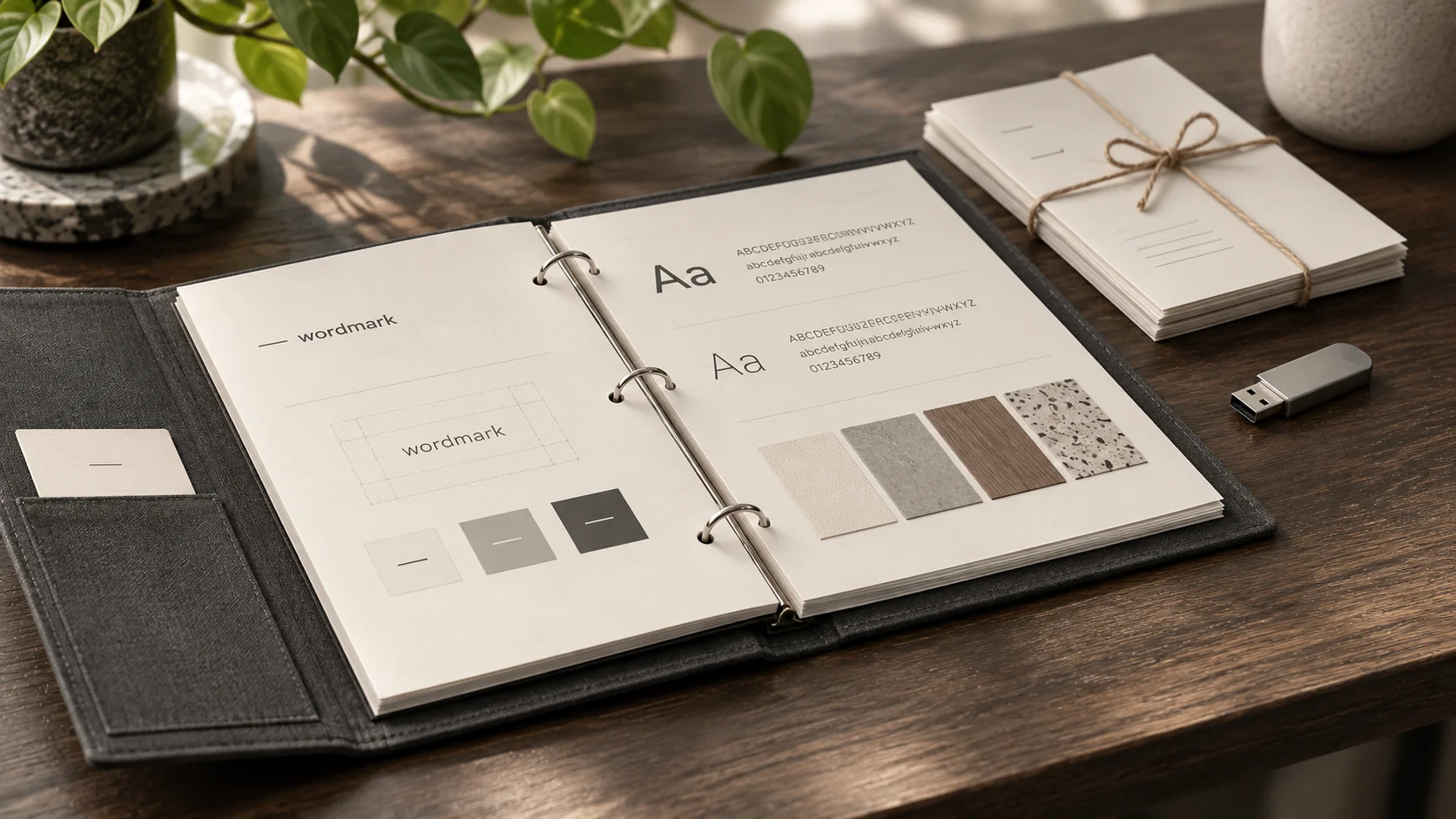
A useful brand guidelines package explains how to apply the identity and gives you the files needed for the work you actually do. Its size should follow the agreed scope. A small service business may need a concise working guide rather than a large brand book.
Start with the places you will use the identity
List the materials you expect to create after launch. That might include a website header, proposals, invoices, social posts and a simple printed document. Ask the designer to show the identity in those situations before approving the final package.
This is also the right time to identify anything outside scope. Presentation templates, packaging, signage, photography and email signatures are different outputs. Their inclusion should be written down rather than assumed because they all use the same logo.
Request logo files with clear usage notes
Ask for the agreed primary logo and any necessary variations, including versions that work on light and dark backgrounds. Request a clear explanation of which files suit a website, an ordinary office document and professional printing. You do not need to become a file format expert to ask where each version belongs.
For example, an SVG can be useful for a scalable website logo, while a transparent PNG may suit an application that cannot use it. Print production may need a different export. Ask the designer to confirm the files for your intended uses, and keep the original approved assets somewhere accessible.
Make colour and typography instructions practical
The guide should identify approved colours and where to use them. It should also distinguish decorative brand choices from readable text combinations. The W3C guidance on text contrast explains why ordinary text needs sufficient contrast with its background. A logo colour is not automatically suitable for small website text.
For type, record the font names, approved alternatives and the person responsible for any required licences. Confirm whether the chosen font can be used in the intended website, documents or templates under the relevant licence. Receiving a design file does not settle those permissions by itself.
Include the words as well as the visuals
A compact identity guide can include an approved business description, consistent service names and a few examples of tone of voice. This helps prevent a visually coherent website from being paired with confusing or contradictory messaging.
Use the tone of voice guide to decide which writing examples would be useful. A complete copywriting project is not implied by a short identity guide, so agree how much actual text will be supplied.
Open the templates and try a routine update
A fictional consultancy might request a proposal cover, one social post layout and a document header. A useful handover would let its owner replace the project title and photograph without rebuilding the design. That example describes a task to test, not a promise that every branding package includes those templates.
Try the files in the software you will use. Check what happens to a long heading, a different photograph and a short piece of text. Ask which elements are editable and which should stay fixed. Flattened previews are useful for approval, but they do not replace editable deliverables when those have been agreed.
Confirm ownership and the source of truth
Request an organised folder with clearly named approved files, the editable sources included in scope and any third party asset or licence notes. Distinguish ownership of the commissioned work from permission to use fonts, stock photography or other licensed materials. Ask for clarification where the contract is unclear.
Keep one approved master folder and decide who maintains it. Archive draft options separately so a future supplier does not accidentally use an earlier logo. A short file index is often more helpful than a large collection of unexplained exports.
Agree what support covers after handover
Record how to report a problem with the delivered files and what the agreed correction period covers. New campaign materials, additional templates and later changes to the identity should be scoped separately unless continuing support is included. The final handover should also list any known unfinished items.
Our brand identity service explains how positioning, design and usage guidance fit together. If the branding project also includes a website, pair this review with the website handover checklist so responsibility remains clear across both.
Put this into practice
Check your brand handover before signing off
Use these prompts for your own situation. This is a planning checklist, not a completed audit.
- Open the logo versions and confirm their intended uses.
- Check colour, type and contrast guidance on real materials.
- Locate editable templates, approved wording and licence notes.
- Agree file ownership, the final source of truth and support boundaries.